.png?fit=max&auto=format&n=A6eJvszAoL83-A7S&q=85&s=ab172e8360b4303be4b8af2487703d0c)
Layouts Overview
Layouts are ready-made page arrangements of photo slots and text boxes. Customers pick one from the Layouts panel in the editor to rearrange a page instantly. Layout Categories group them by page type.Layout Categories
Go to Sidebar > Products > Layout Categories.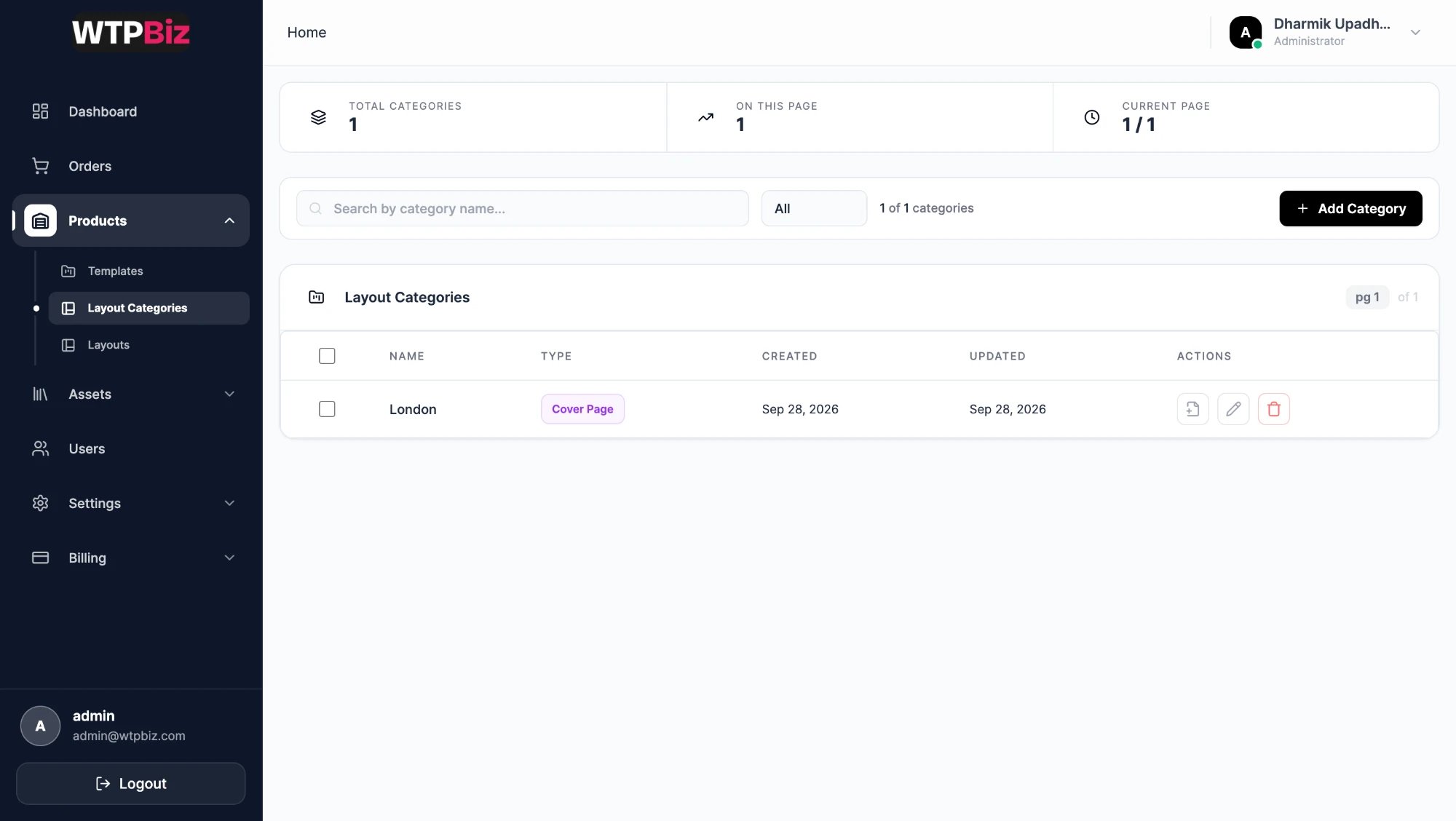
- Filters — search by name, or filter by type with the All dropdown.
- Table — checkbox for bulk selection, Name, Type and dates.
- Type — decides where the category’s layouts can be used. For example, Cover Page layouts appear only on the cover.
- Actions — view the layouts in the category, edit (pencil) or delete (bin).
- Add Category — enter a name and choose its type.
Layouts
Go to Sidebar > Products > Layouts.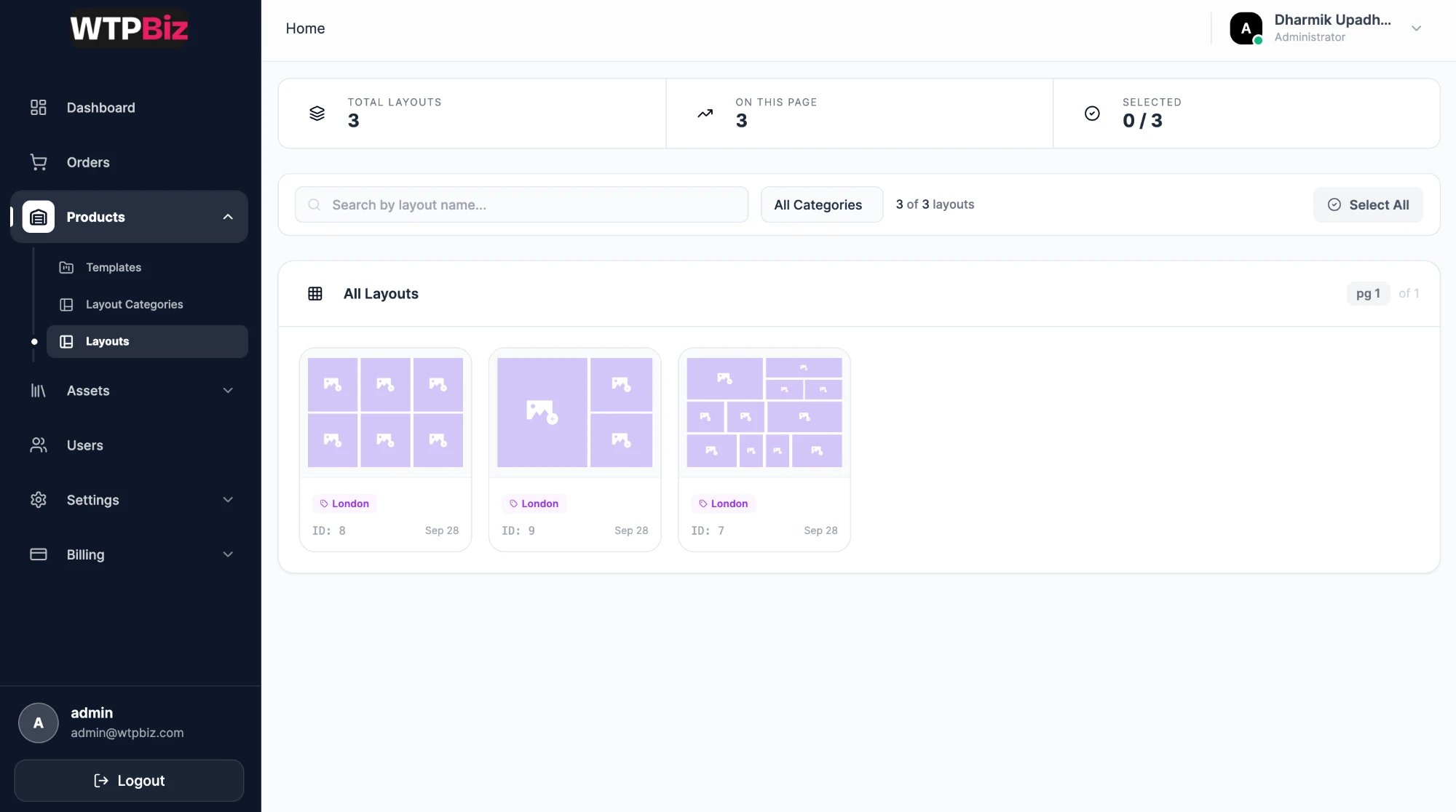
- Summary strip — total layouts, layouts on this page and the number selected.
- Filters — search by layout name, or choose a category from All Categories.
- Layout cards — each card shows the arrangement (purple boxes are photo slots), its category, ID and date.
- Select All — select every layout on the page for bulk actions.