.png?fit=max&auto=format&n=A6eJvszAoL83-A7S&q=85&s=ab172e8360b4303be4b8af2487703d0c)
Rules
Go to Rules & Products > Rules. Rules control which colors, sizes, fonts, add-ons and backing styles are available on each product.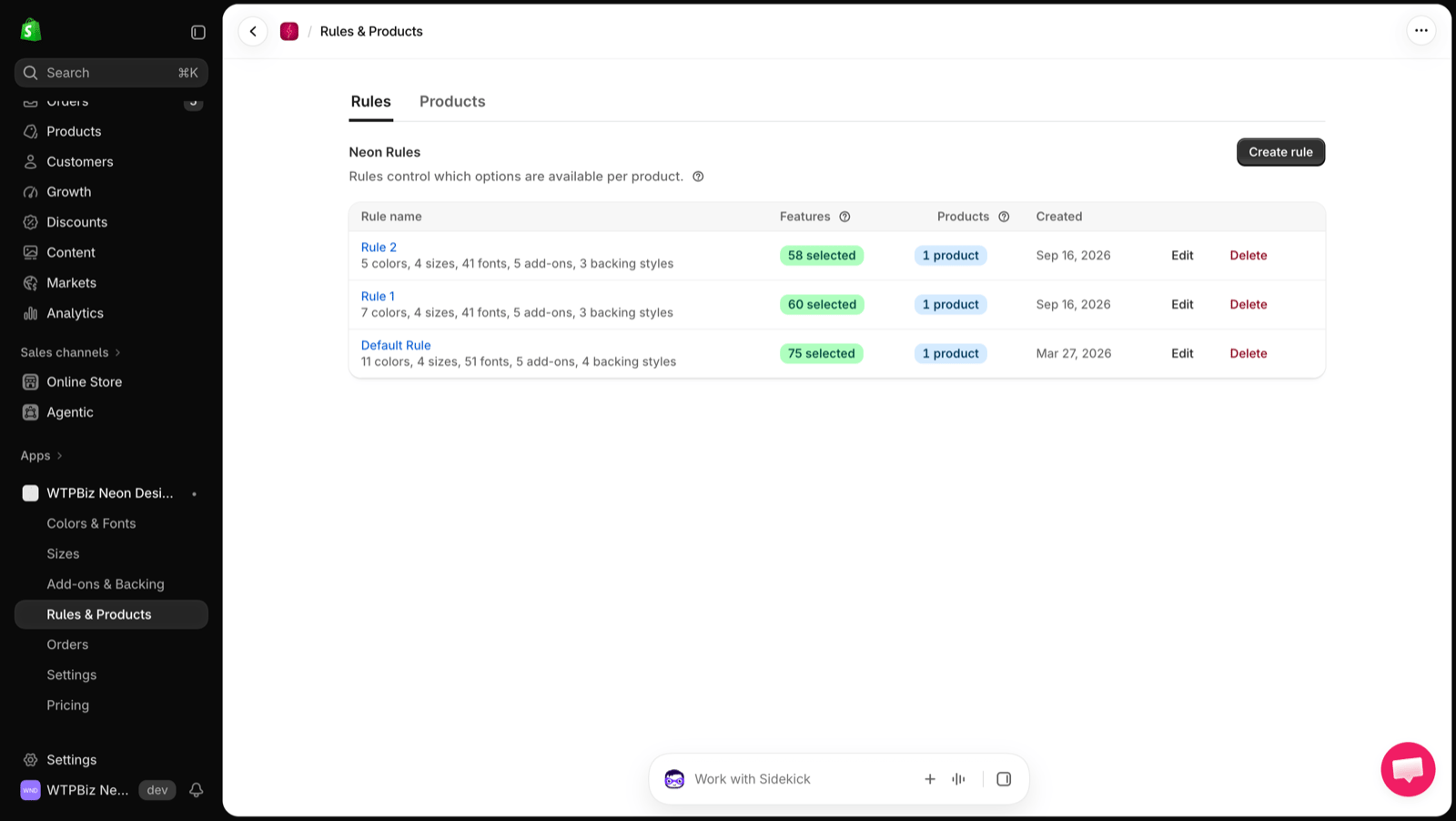
Create a Rule
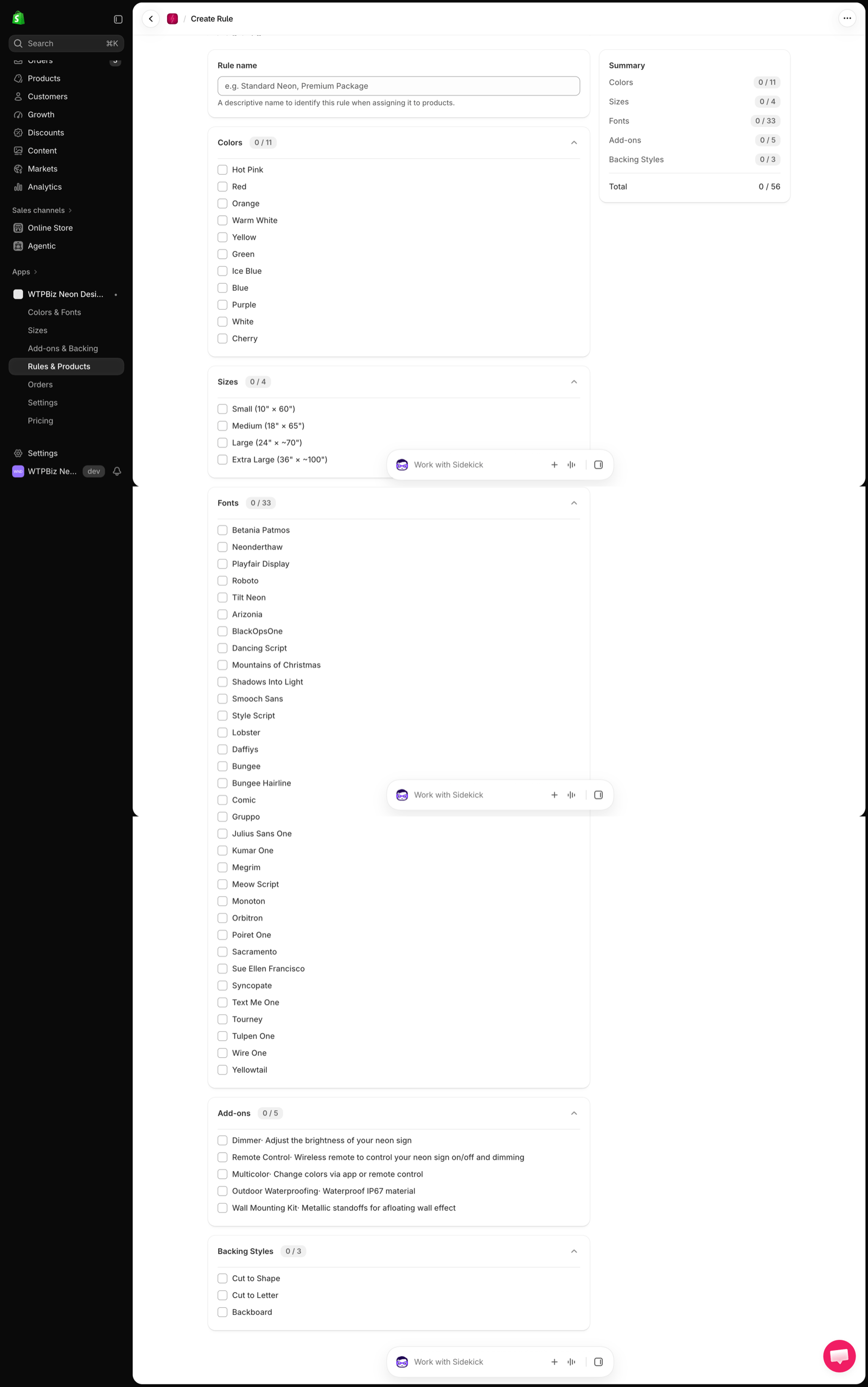
- Click Create rule.
- Enter a Rule name (e.g., Standard Neon, Premium Package).
- Tick the Colors, Sizes, Fonts, Add-ons and Backing Styles this rule allows.
- Check the Summary panel for the selected count in each section.
- Save the rule.
Products
Go to Rules & Products > Products.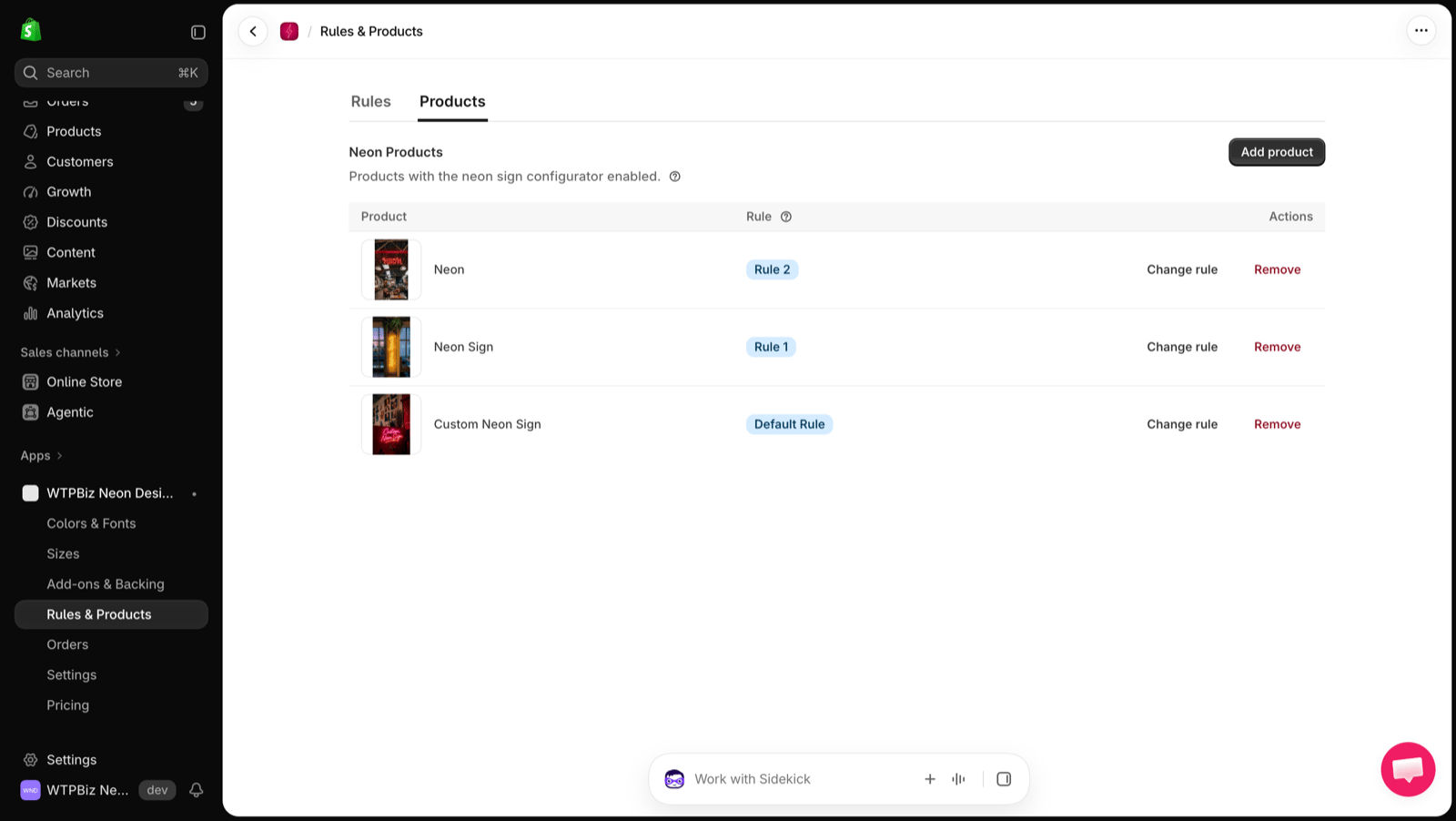
- Add product — select a Shopify product and assign a rule.
- Change rule — switch the rule for a product.
- Remove — turn off the builder for that product. The Shopify product itself is not deleted.
The number of products you can enable depends on your plan. See Pricing.