.png?fit=max&auto=format&n=A6eJvszAoL83-A7S&q=85&s=ab172e8360b4303be4b8af2487703d0c)
Effects Overview
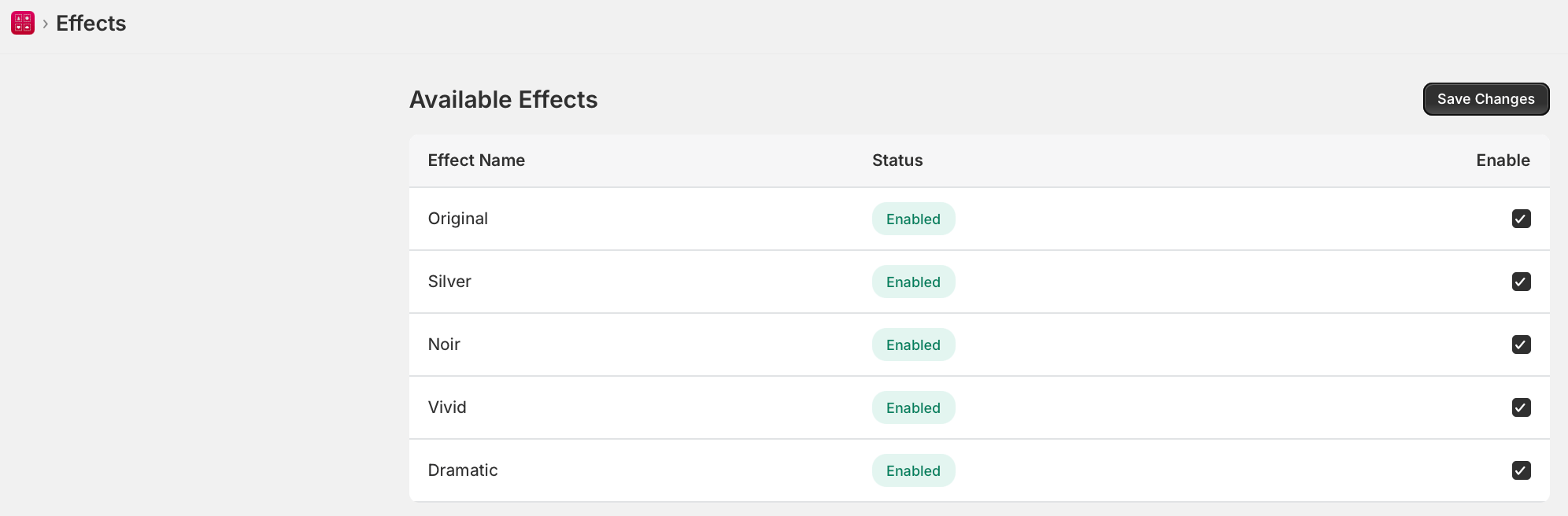
Available Effects
Photo Frame Customizer supports the following built-in photo effects:- None — The original photo with no effect applied (default).
- Black & White — Converts the photo to greyscale.
- Sepia — Applies a warm brown tone for a vintage look.
- Vintage — Adds a faded, aged appearance with slightly muted colors.
- Vivid — Boosts color saturation for a more vibrant look.
- Warm — Adds warm yellow/orange tones.
- Cool — Adds cool blue tones.
Configuring Effects
- In Photo Frame Customizer, navigate to Effects in the sidebar.
- Toggle each effect On or Off to control which effects customers can choose.
- The effects you enable will appear as options in the customizer widget on your storefront.
- Click Save to apply your changes.
How Customers Use Effects
- The customer opens the customizer on your product page and uploads a photo.
- They select an Effect from the available options.
- A real-time preview shows the effect applied to their photo within the chosen frame.
- They add to cart with the selected effect saved to their order.
Effects are applied client-side in the browser as a preview. The final effect is saved and applied when the order is processed. Disabling unused effects keeps the customizer interface clean and focused.