.png?fit=max&auto=format&n=A6eJvszAoL83-A7S&q=85&s=ab172e8360b4303be4b8af2487703d0c)
AI Portraits Overview
Photo Frame Customizer integrates with Fal.ai to offer AI-generated portrait art. Customers can upload a photo and have it transformed into artistic portrait styles — all within your Shopify store.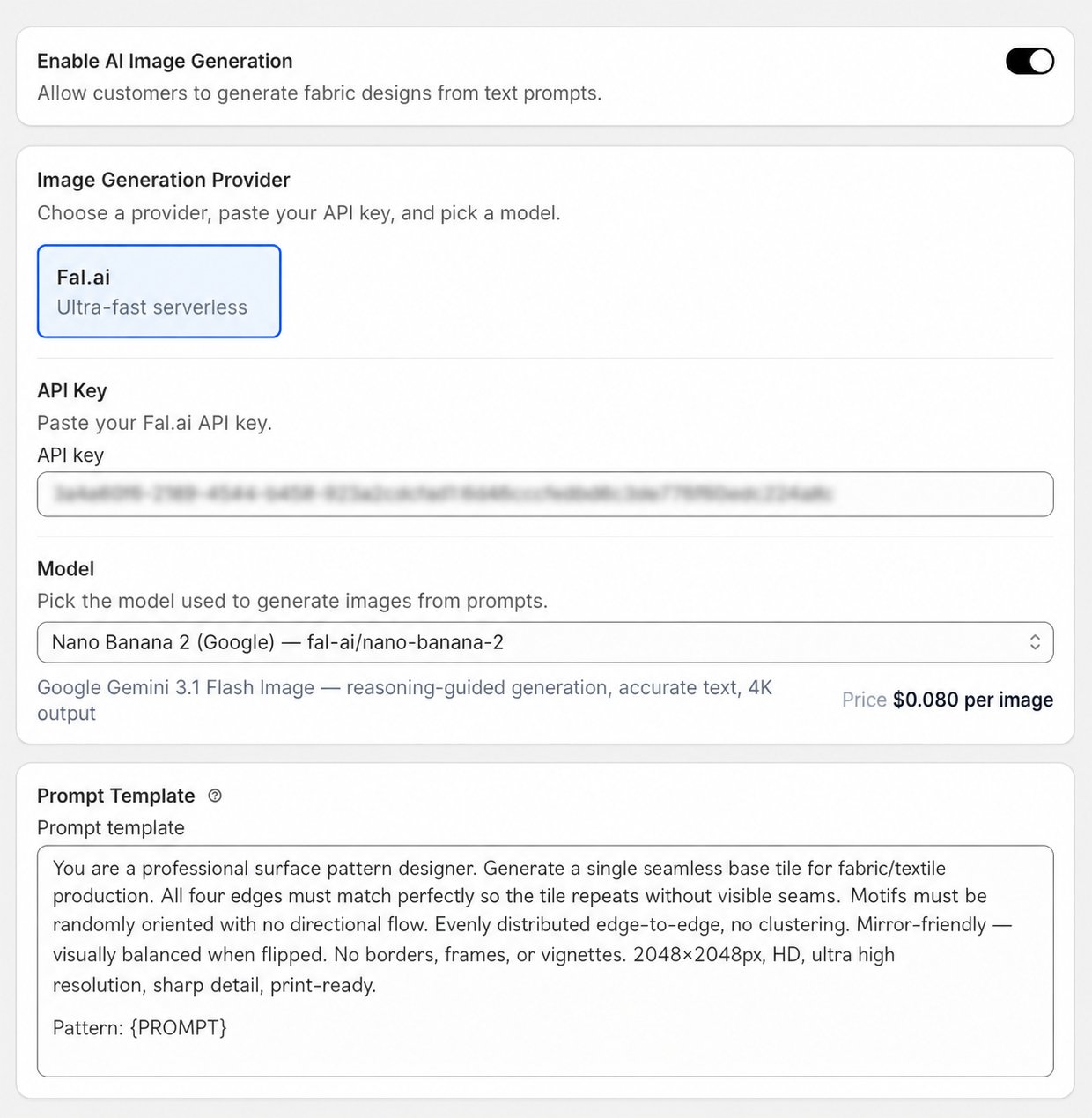
Setup Requirements
Before enabling AI Portraits, you need:- A Fal.ai account
- A Fal.ai API key
Connecting Fal.ai
- Go to fal.ai and create an account.
- Navigate to your Fal.ai dashboard and generate an API key.
- In your Shopify admin, go to Apps > Photo Frame Customizer > Settings.
- Paste your Fal.ai API key in the Fal.ai API Key field.
- Click Save.
Keep your Fal.ai API key confidential. Do not share it or commit it to version control.
Available Portrait Styles
Once connected, you can enable any of the following portrait styles:- Classic Portrait — Traditional painted portrait style with rich colors and artistic brushwork.
- Watercolor — Soft, flowing watercolor effect with translucent washes of color.
- Pencil Sketch — Black and white pencil drawing effect with fine detail lines.
- Oil Painting — Bold, textured oil painting style with visible brushstrokes.
- Pop Art — Vivid, high-contrast pop art style inspired by Andy Warhol.
- Anime — Stylized Japanese anime illustration style.
Enabling Styles
- Go to Apps > Photo Frame Customizer > AI Portraits in your Shopify admin.
- Toggle on the styles you want to offer customers.
- Save your changes.
Customer Experience
When AI Portraits is enabled:- The customer visits your product page.
- They upload their photo using the customizer widget.
- They select an AI Portrait style.
- Fal.ai generates the portrait transformation.
- The customer previews the result and can add to cart.
Fal.ai Credits
AI portrait generation uses Fal.ai credits. Monitor your Fal.ai usage from your Fal.ai dashboard to ensure you have sufficient credits for customer demand.Portrait generation typically takes 10–30 seconds depending on the selected style and image complexity.