.png?fit=max&auto=format&n=A6eJvszAoL83-A7S&q=85&s=ab172e8360b4303be4b8af2487703d0c)
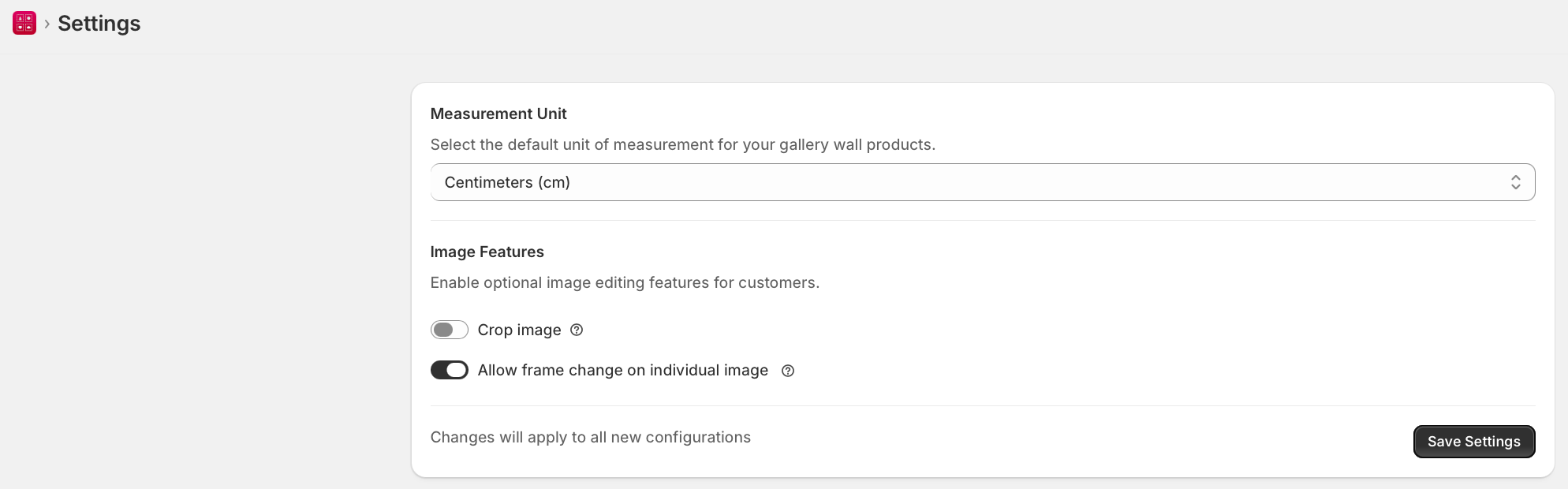
Measurement Unit
- Go to WTPBiz Gallery Wall > Settings.
- Select Centimeters (cm) or Inches from the Measurement Unit dropdown.
- Click Save Settings.
Image Features
- Toggle Crop image ON to let customers crop photos before placing them.
- Toggle Allow frame change on individual image ON to let customers pick different frames per slot.
- Click Save Settings.
Changes apply to all new configurations. Existing product configurations are not retroactively affected.