.png?fit=max&auto=format&n=A6eJvszAoL83-A7S&q=85&s=ab172e8360b4303be4b8af2487703d0c)
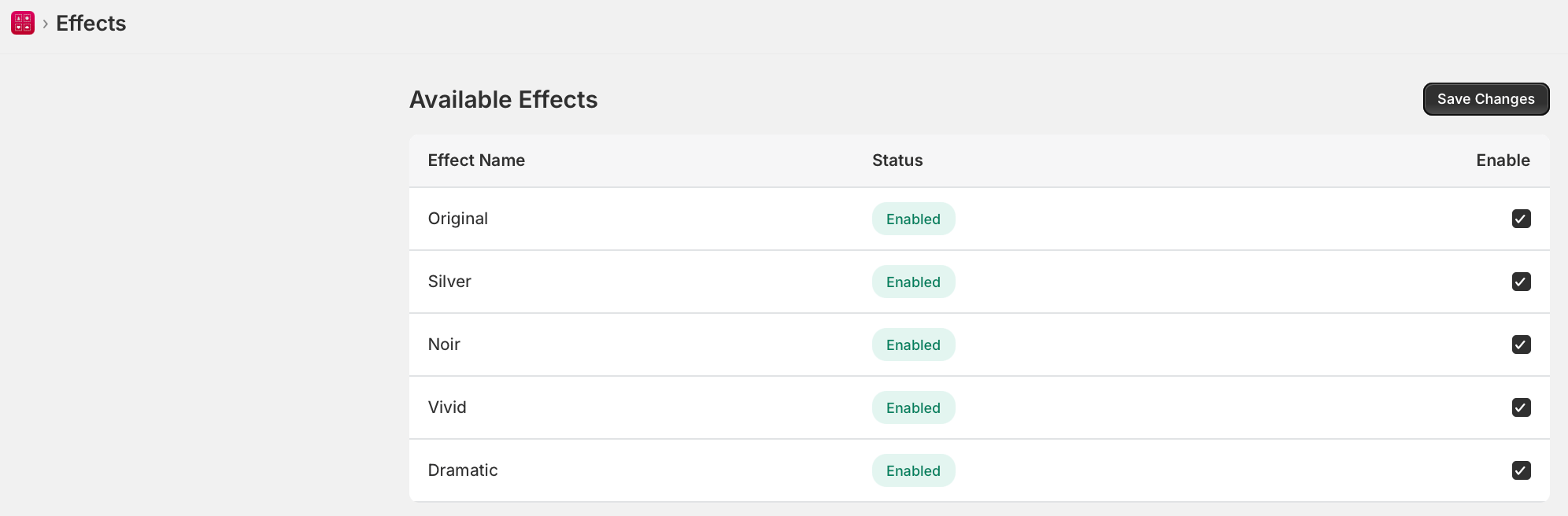
Available Effects
Enable or Disable Effects
- Go to WTPBiz Gallery Wall > Effects.
- Check or uncheck Enable next to each effect.
- Click Save Changes.
Effects are available on the Starter plan ($9.99/month) and above. Not available on the Free plan.
Enable visual filters for customer-uploaded photos