.png?fit=max&auto=format&n=A6eJvszAoL83-A7S&q=85&s=ab172e8360b4303be4b8af2487703d0c)
Settings Overview
The Settings page lets you customize the color palette and typography used in the Fabric Lens pattern visualizer on your storefront.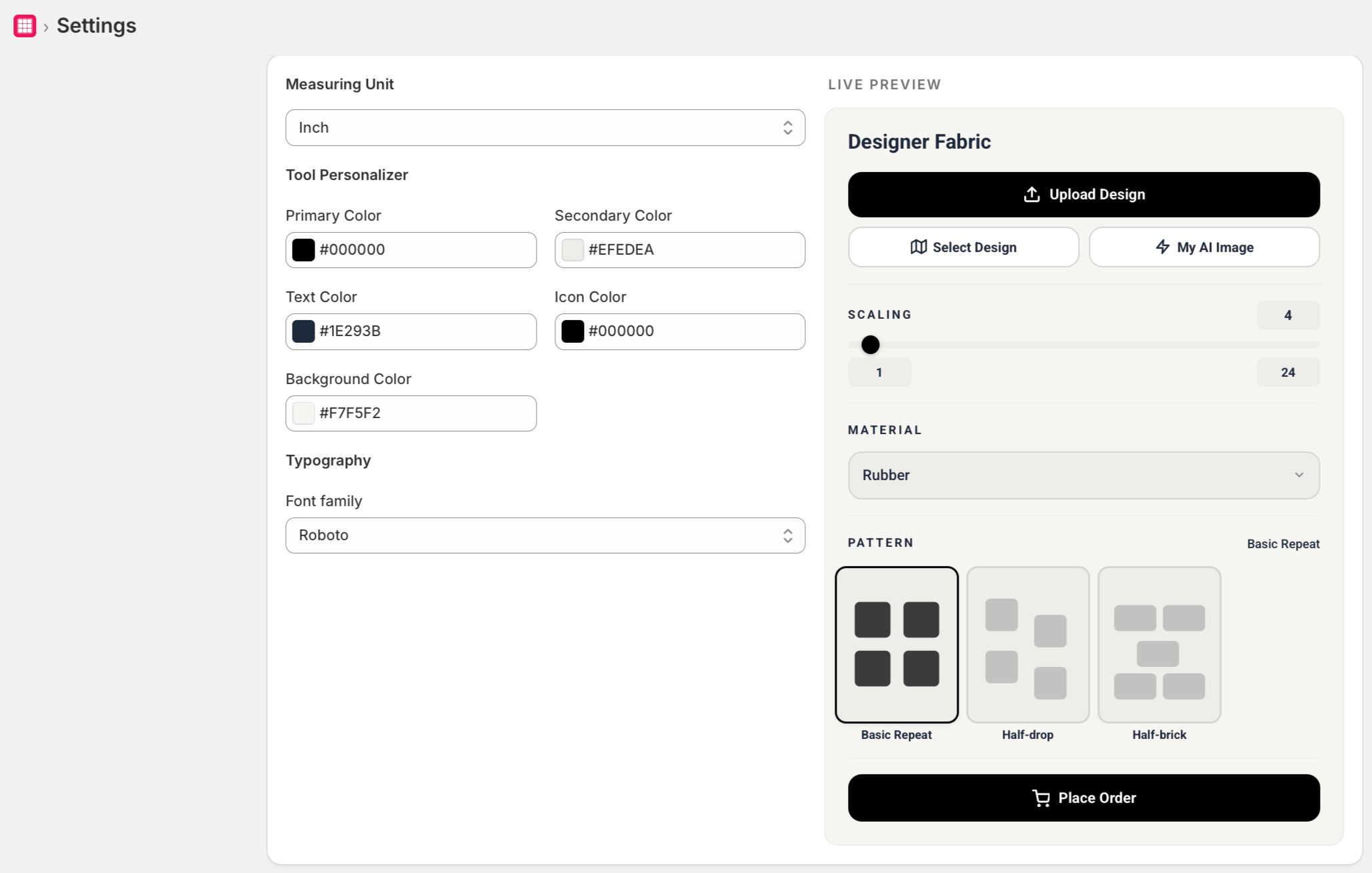
Color Palette
Define the colors customers can select when previewing fabric patterns:- In the Color Palette section, click Add Color.
- Enter a color name and select or enter a hex color code.
- Repeat to add as many colors as needed.
- Click Save.
Typography
Customize the font displayed in the Fabric Lens widget on your storefront:- In the Typography section, choose a font from the dropdown.
- Click Save.
Font choices are limited to web-safe fonts compatible with the Fabric Lens widget.