.png?fit=max&auto=format&n=A6eJvszAoL83-A7S&q=85&s=ab172e8360b4303be4b8af2487703d0c)
Rules & Collections Overview
The Rules page lets you select which Shopify collection Fabric Lens applies to, and configure how fabric patterns are displayed on product images.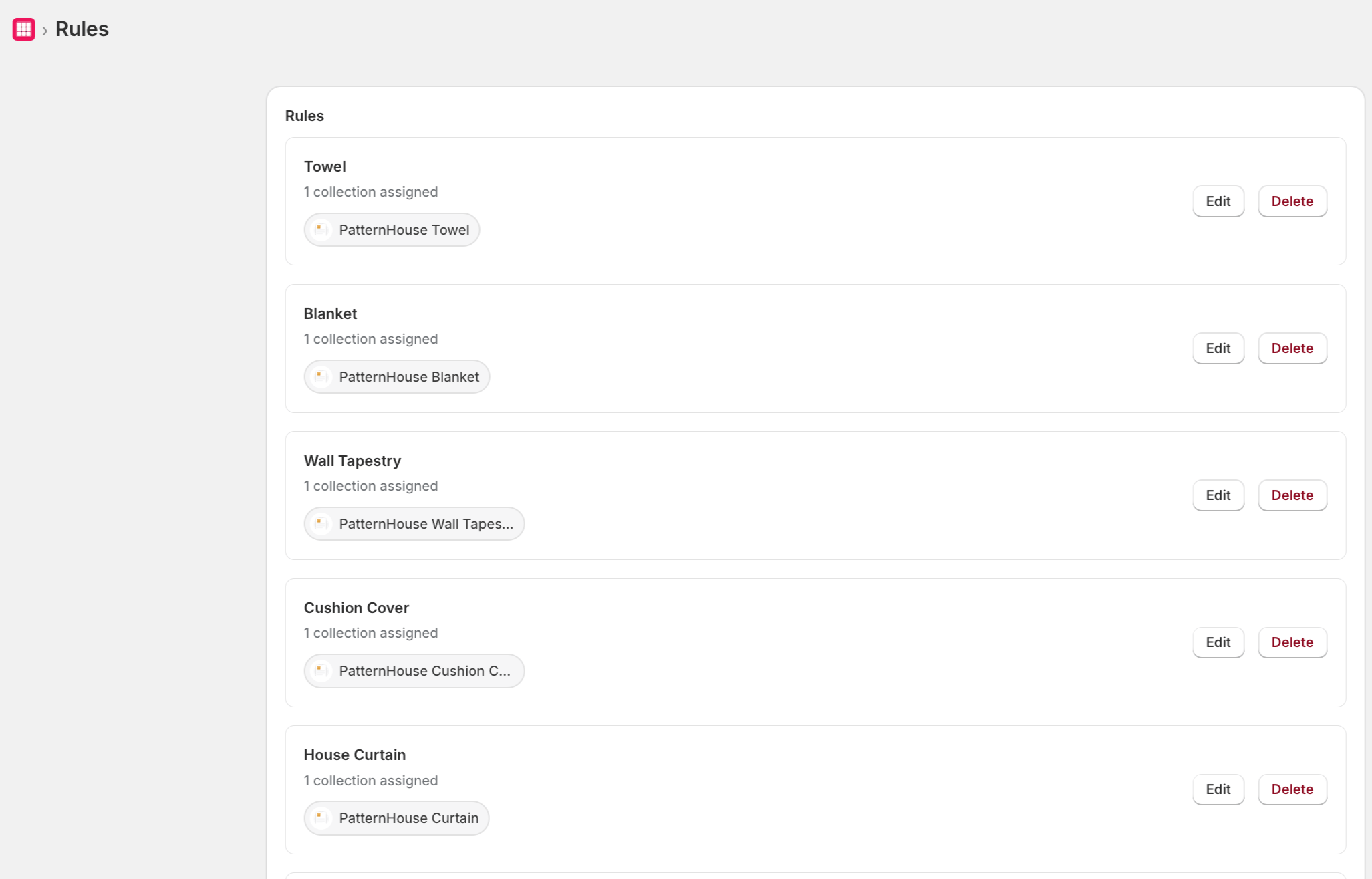
Select a Collection
- On the Rules page, click Select Collection.
- Choose the product collection you want the Fabric Lens pattern visualizer to apply to.
- Click Save.
Only products in the selected collection will display the Fabric Lens pattern visualizer on the storefront.
Pattern Repeat Modes
Fabric Lens supports three repeat modes for displaying fabric patterns over product images:
Select the repeat mode that best matches how your fabrics are naturally laid out.
Overlay Image & Scaling
- Overlay Image — Upload a transparent PNG mask of your product shape. The pattern will be clipped to this shape.
- Scale — Adjust the pattern size relative to the product image using the scale slider.