> ## Documentation Index
> Fetch the complete documentation index at: https://help.wtpbiz.com/llms.txt
> Use this file to discover all available pages before exploring further.
# Photo Effects
> Enable visual filters for customer-uploaded photos
Effects are visual filters customers apply to their uploaded photos. Each enabled effect appears as a selectable option in the gallery builder.
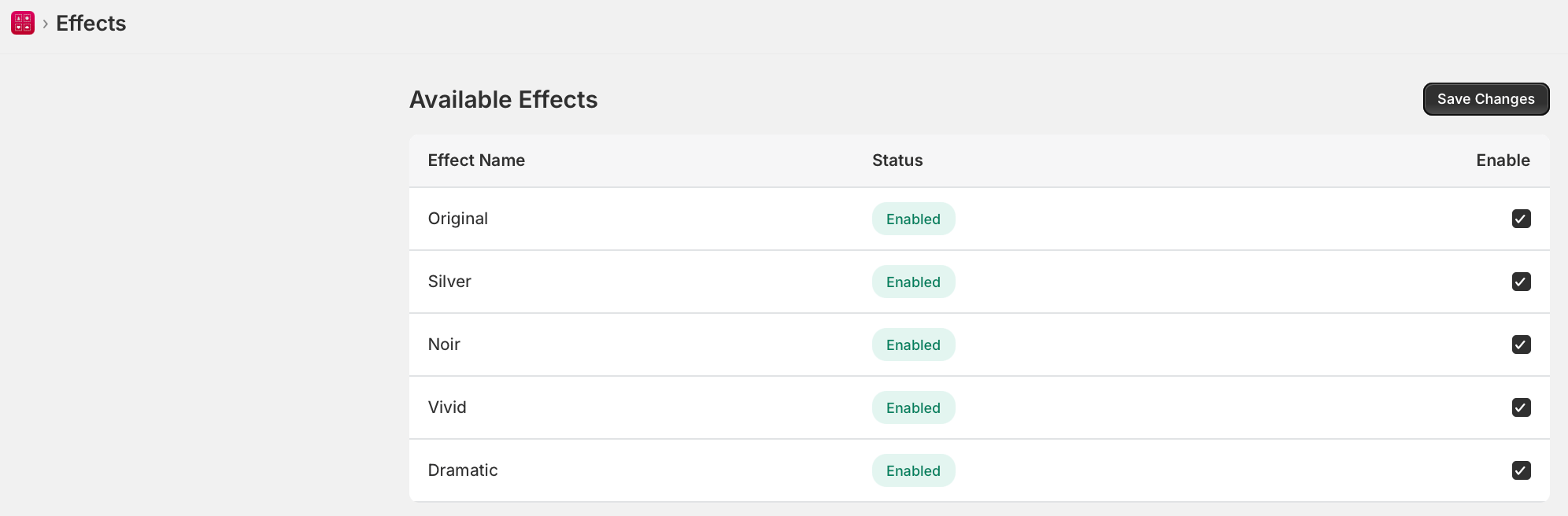 ## Available Effects
| Effect | Description |
| -------- | --------------------------------------------- |
| Original | No filter. Photos shown as uploaded. |
| Silver | Cool-toned desaturated silver effect. |
| Noir | High-contrast black and white. |
| Vivid | Boosted saturation and brightness. |
| Dramatic | High-contrast moody effect with deep shadows. |
## Enable or Disable Effects
1. Go to **WTPBiz Gallery Wall > Effects**.
2. Check or uncheck **Enable** next to each effect.
3. Click **Save Changes**.
Effects are available on the Starter plan (\$9.99/month) and above. Not available on the Free plan.
## Available Effects
| Effect | Description |
| -------- | --------------------------------------------- |
| Original | No filter. Photos shown as uploaded. |
| Silver | Cool-toned desaturated silver effect. |
| Noir | High-contrast black and white. |
| Vivid | Boosted saturation and brightness. |
| Dramatic | High-contrast moody effect with deep shadows. |
## Enable or Disable Effects
1. Go to **WTPBiz Gallery Wall > Effects**.
2. Check or uncheck **Enable** next to each effect.
3. Click **Save Changes**.
Effects are available on the Starter plan (\$9.99/month) and above. Not available on the Free plan.