> ## Documentation Index
> Fetch the complete documentation index at: https://help.wtpbiz.com/llms.txt
> Use this file to discover all available pages before exploring further.
# Add-ons & Backing
> Offer paid extras and backing board styles for neon signs.
## Add-ons
Go to **Add-ons & Backing > Add-ons**.
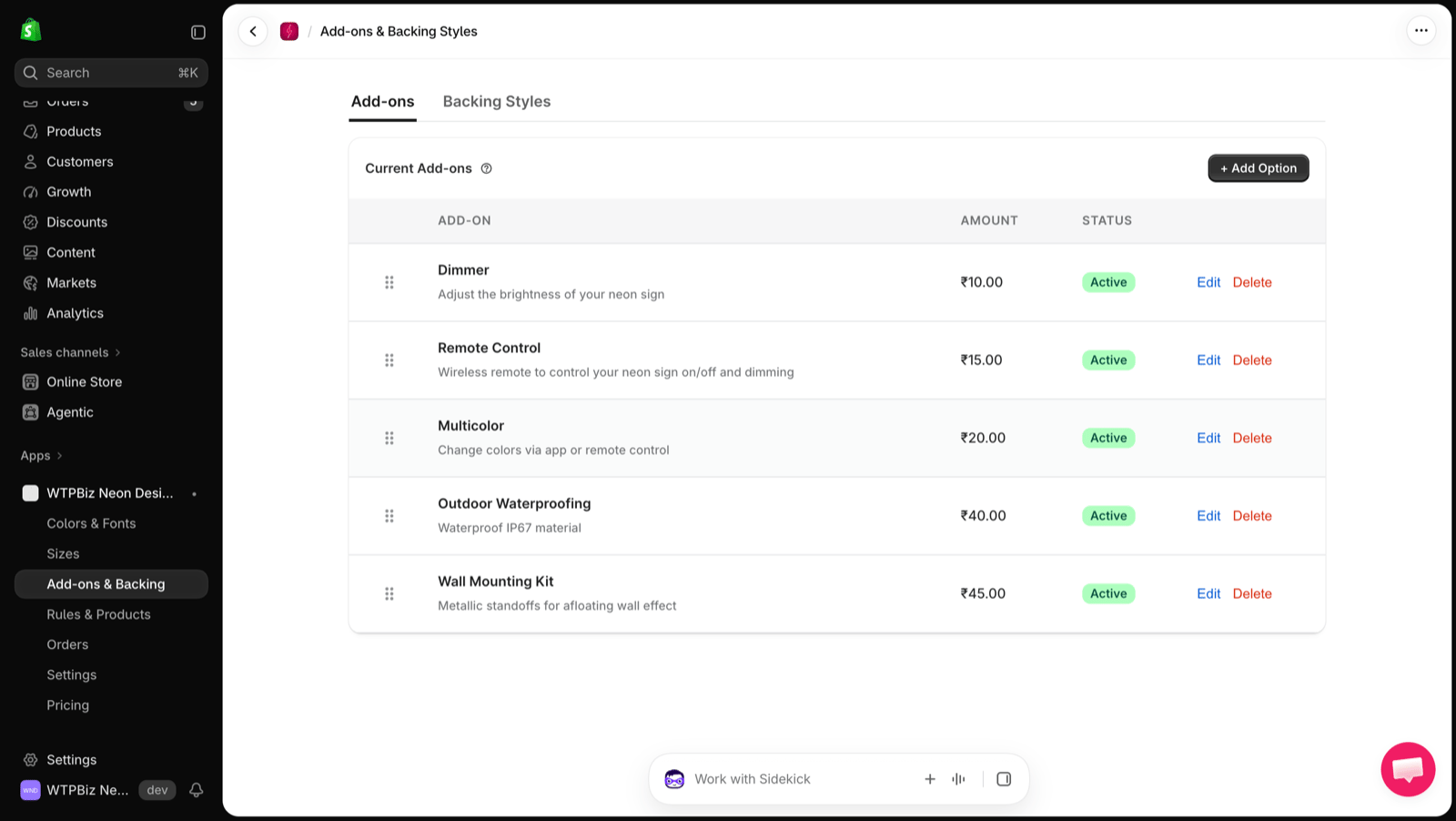 Add-ons are optional extras customers can add to their sign, such as a Dimmer, Remote Control, Multicolor, Outdoor Waterproofing or a Wall Mounting Kit. Each add-on has a name, a short description, an **Amount** and a **Status**.
* Click **+ Add Option** to create an add-on.
* Drag the handle to reorder add-ons.
* Click **Edit** or **Delete** to change one.
## Backing Styles
Go to **Add-ons & Backing > Backing Styles**.
Add-ons are optional extras customers can add to their sign, such as a Dimmer, Remote Control, Multicolor, Outdoor Waterproofing or a Wall Mounting Kit. Each add-on has a name, a short description, an **Amount** and a **Status**.
* Click **+ Add Option** to create an add-on.
* Drag the handle to reorder add-ons.
* Click **Edit** or **Delete** to change one.
## Backing Styles
Go to **Add-ons & Backing > Backing Styles**.
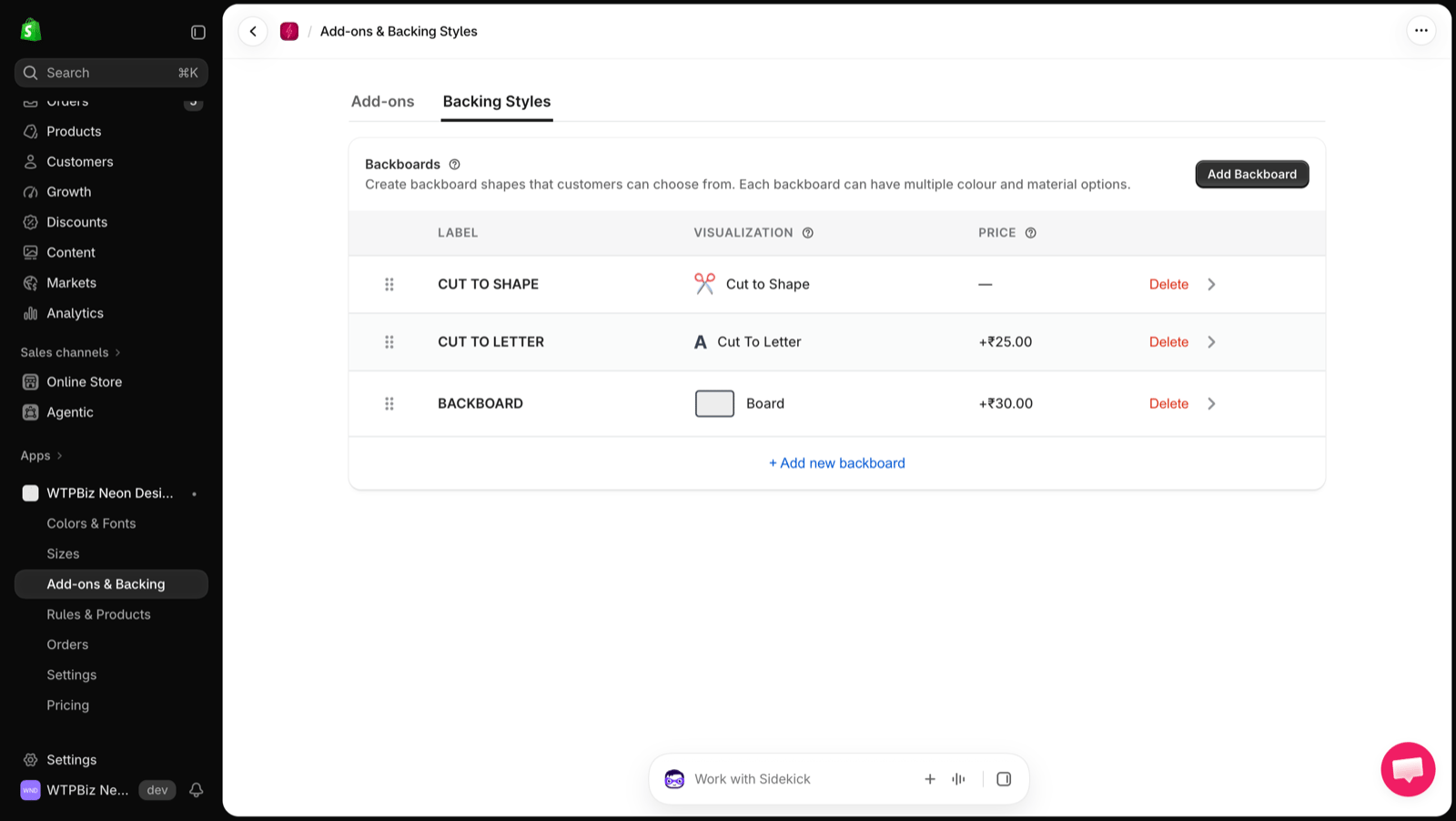 Backboards are the shapes behind the neon text that customers can choose from. Each backboard can have multiple colour and material options.
| Column | Description |
| - | - |
| **Label** | Name customers see (e.g., Cut to Shape, Cut to Letter, Backboard) |
| **Visualization** | How the style is shown in the builder |
| **Price** | Extra charge for this style |
* Click **Add Backboard** or **+ Add new backboard** to create a style.
* Click the arrow on a row to edit its options.
* Click **Delete** to remove a style.
Backboards are the shapes behind the neon text that customers can choose from. Each backboard can have multiple colour and material options.
| Column | Description |
| - | - |
| **Label** | Name customers see (e.g., Cut to Shape, Cut to Letter, Backboard) |
| **Visualization** | How the style is shown in the builder |
| **Price** | Extra charge for this style |
* Click **Add Backboard** or **+ Add new backboard** to create a style.
* Click the arrow on a row to edit its options.
* Click **Delete** to remove a style.