> ## Documentation Index
> Fetch the complete documentation index at: https://help.wtpbiz.com/llms.txt
> Use this file to discover all available pages before exploring further.
# Dashboard
> Overview of the Fabric Lens Dashboard
## Dashboard Overview
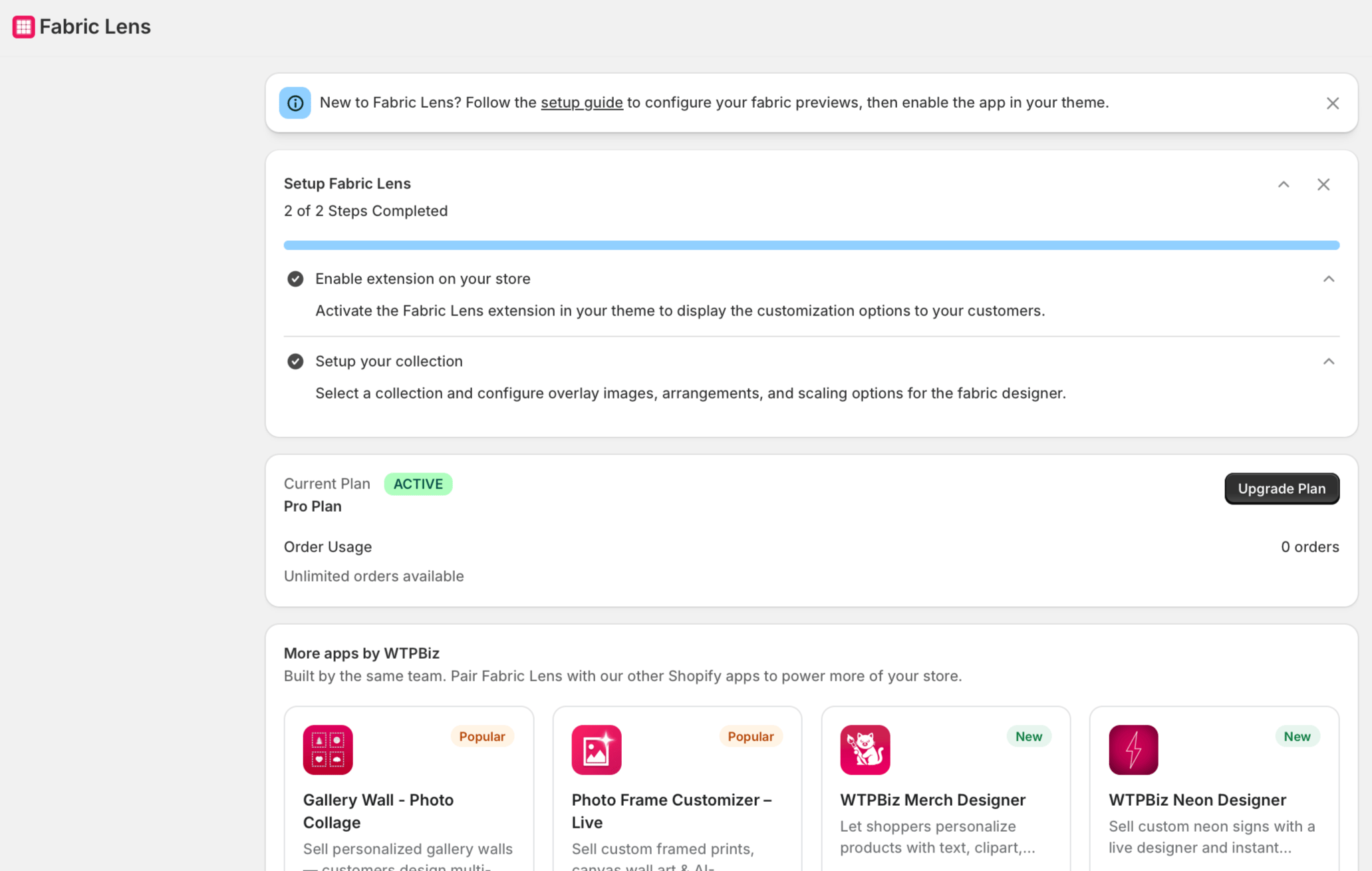
The Dashboard shows a 2-step setup checklist, your current plan and order usage, and Frequently Asked Questions
 ## Setup Checklist (2 Steps)
* **Enable extension on your store** — Activate the Fabric Lens extension in your Shopify theme so the pattern visualizer appears on product pages.
* **Setup your collection** — Select a collection and configure overlay images, arrangements, and scaling options for the fabric designer.
Both steps must be completed before the Fabric Lens visualizer is live for customers on your storefront.
## Current Plan & Order Usage
The Dashboard displays your active subscription plan (Free or Pro) and your current order usage for the billing period.---
## Setup Checklist (2 Steps)
* **Enable extension on your store** — Activate the Fabric Lens extension in your Shopify theme so the pattern visualizer appears on product pages.
* **Setup your collection** — Select a collection and configure overlay images, arrangements, and scaling options for the fabric designer.
Both steps must be completed before the Fabric Lens visualizer is live for customers on your storefront.
## Current Plan & Order Usage
The Dashboard displays your active subscription plan (Free or Pro) and your current order usage for the billing period.---